
Joining in on Amanda’s this moment project. A moment from the last week. A slice of life.
Celebrating crafts, kids and the everyday through photographs.
-
-
As I mentioned in my last post we bought Tuesday a second hand digital camera for Christmas. I have done a lot of research on digital cameras for children and the basic consensus is, yes, they are some what indestructible, but the picture quality is terrible. Now, I’m a bit of a picture quality snob, but it’s not just bad by my standards. We’re talking 2 mega pixels max, and that’s for a $60 camera that includes games (Vtech Kidizoom). Needless to say that was not what I was looking for. So I waded through inexpensive digital point and shoots currently on the market. They actually had too many features and were too nice for what I wanted (too nice meaning, Tuesday will not know how to change her shutter speed, so I don’t need that feature). What I finally decided to do was check out digital cameras that were fairly inexpensive about 5-7 years ago. I really wanted one with a viewfinder (as opposed to just composing your shot via the screen on the back), but quickly realized that was going to be out of the $20 limit I had imposed on myself. Also if it could be cute, I knew Tuesday would appreciate it. I settled on the Polaroid i733 circa 2007 (yes, Polaroid brand, no, not an instant camera). Here is the actual auction I won, the camera (in hot pink) cost me $12.99 and shipping was $8.85 so I went a tiny bit over my budget.
day 2: the grocery store
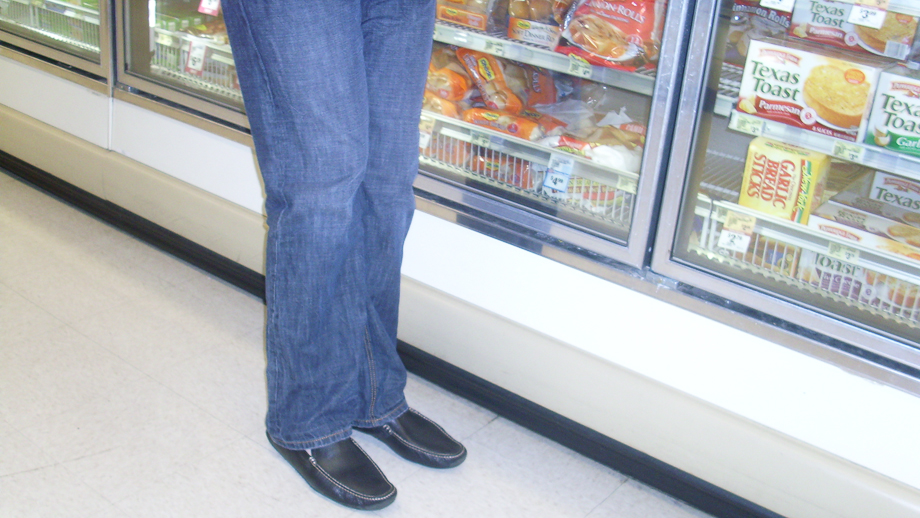
Common problem: finger in front of the lens

Yes, this thing is made for adults. And it was a little tricky for Tuesday to get the hang of. Up until now she’s just stuck camera shaped things in front of her face and pretended to “photography like mama”. But she’s had it for over a week now and besides wanting to get too close to things she’s getting much better. I commonly find things like this on the card:
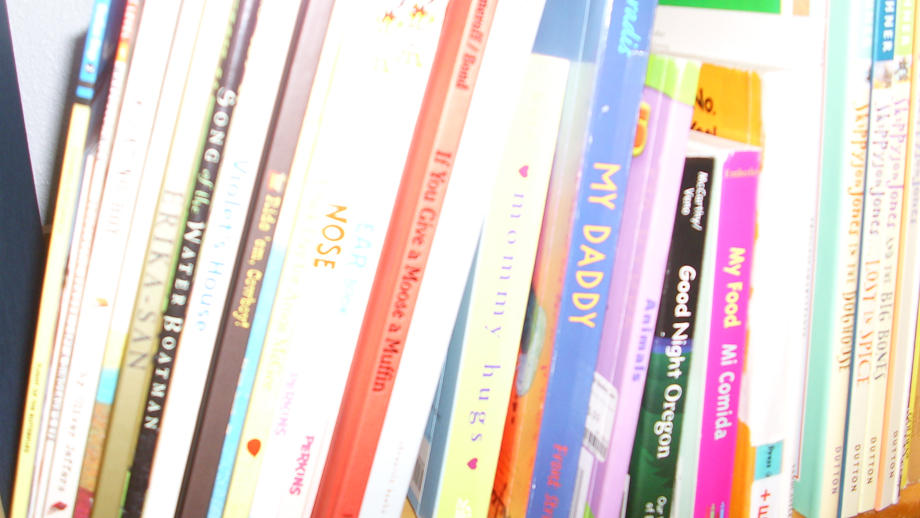
Pictures of her beloved books.
My favorite one so far:
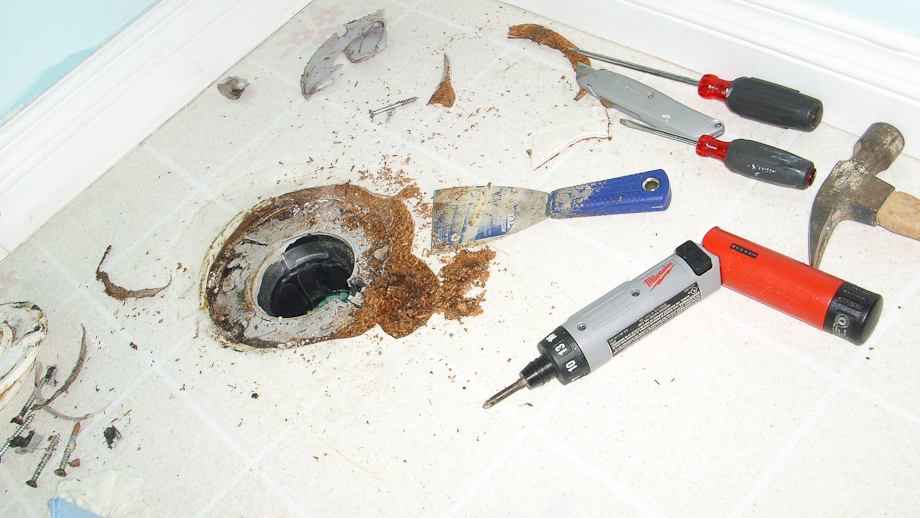
Bj to Tuesday, “what are you doing?”
Tuesday to Bj, “I”m taking a picture of the dirty potty!”
(more on that to come…)
So let me run down a few pros and cons and then let you in on some tips.
Pros:
-awesome color, she loves her little pink camera
-minimal buttons on the back make pushing something accidentally very difficult
-adjustable exposure compensation (great if you constantly notice photos too over/under exposed)
-seems pretty durable so far, after all it’s 5 years old and is working great
-easy to find second hand, and the price is super reasonable
Cons:
-eats batteries for breakfast, lunch and dinner (but her constantly using the flash is a big part of that)
-not designed for children’s hands
-battery compartment can not be screwed shut, so you must trust your child not to open it
-must push down the on button for a second or two (it doesn’t seem like a long time unless you are almost three and want it on NOW)
-no viewfinder
Some tips and tricks:
-I managed to go through the menu settings and change things to make the camera work much better for us. There are two menus, one that you view from the camera mode and one that you access when viewing a picture (playback mode). Everything I learned about the menus was from playing around, as my camera came with out a manual. I suggest that you:
1.set the date and time, this is totally awesome for seeing what she takes picture of while I think she’s napping!
2.turn off the zoom! I think the camera’s ability to turn off the zoom is a great feature.
3.turn off all beeping/noises except for the shutter release. I found that Tuesday wanted to press the buttons on the back just to get that sound (probably because we don’t have anything else that makes a noise like that). As soon as I turned off the beeps she left those buttons alone.
4.turn on power saving options. Having the camera’s back screen turn off as soon as possible when not in use saves a lot of battery.
5.save your kid some heartache and be in charge of the flash. If you’re going to be outside, turn it off, if you’re going to be in low light turn it on (easily accessible button on the back of the camera.
-I think teaching your child how to use the playback function is great! Tuesday now knows how to push the tiny button on the back to see what she took pictures of, and she knows how to get out of that function to take pictures again.
-Even though the camera didn’t end up costing much, it is still a camera and I believe it should be treated with respect. One of the huge reasons I don’t like the idea of cameras that act like toys (big, plastic, with games, etc.), is that I don’t think they would seem that special to a child. Tuesday certainly thinks her camera is special. I bought a case for it (a funky green one with a wrist strap) that is easy to open and close. She is welcome to take her camera anywhere, but it must be in the case. She can use it anytime she wants, but she has to turn it off when she is done. I have had no problems getting her to follow these “rules” she wants it to keep working after all. My friend asked me how it takes drops, but I don’t know because Tuesday’s never dropped it. Of course she’s only had it for a little over a week, but I’ve found that she has been very careful with it. Tuesday is almost exactly three.
-Let them experiment, and gently guide them to take better pictures. At this point in the game we don’t talk about composition, color, depth of field or anything like that. I’m talking about the basics. Hand placement so fingers are not in front of the lens/flash. Which buttons do what. That getting too close takes blurry photos. I want her to have fun most of all, and if she gets something I can print out for her, or share with friends and family, that’s awesome. Really I want to just cut out frustration by guiding her to get the photo she wants to see. So for example when she’s pointing the camera at Nana and getting photo after photo of feet because she moves at the last minute, I can show her how to be still and aim at Nana’s face. If she pulls away and wants to do her own thing, no problem.
-There really is nothing like seeing your pre-schooler’s view, even if it’s of you un-showered, checking your iPhone in bed 🙂 -
Well one of Bj’s co-workers did. And because I did a custom decal for his laptop she knew I had one (ok he did most of the work, but he did use my machine). She asked for some advice, and as per usual, I went a bit over the top. I figured it was too good not to share, so here it is.I love my Silhouette. I have the SD and have for a little over a year. I love it and use it all the time. I’m not sure what you want to cut with yours, but I’ve tried pretty much everything with mine. For iron on vinyl I buy from Specialty Graphics.For regular (indoor/outdoor) sticker like vinyl I buy from expressions vinyl. I would sign up for their newsletter, they have coupons pretty much constantly. I have also bought chalkboard vinyl from this place to make labels.Yes, Silhouette does sell all of these things, but personally I like being able to buy smaller amount and more colors, the rolls from Silhouette are pretty large, and to me the quality is the same and doesn’t warrant the much more expensive price.For iron on interfacing (so you can cut fabric) I have bought the Silhouette brand and did a little research, it is exactly the same as heat and bond (an interfacing you can by at most big fabric stores, jo-ann’s etc., in packages or by the yard in the interfacing area). The Lite is the same as the sewable and the Ultrahold is the same as clean cut. I like the lite best, and have had great luck making shirts like these.I’ve also cut random things like avery label paper to do print and cuts and make labels for my canning. And these I didn’t print, but were cut from the same material. I have good luck finding half packs of this kind of label paper at goodwill for cheap.I have tried one of the aftermarket brand blade holders and titanium blades. I didn’t have the patience for it, even though some people have great results. I found it was easy just to click double cut on thicker things (like cardstock; speaking of, American Crafts brand cardstock cuts the best).This coupon code for 20% off a subscription expires the 31st: YEAREND. It is totally the way to go for buying shapes in their online store, and if you pay all at once they give you an additional 5% off. You then get a dollar credit amount. I used $50 a month last year, and am going to do the same this year, it works out to $11.40 if you pre-pay. You can stretch that even further if you buy the bulk of your shapes when they go on sale (usually 99 cents, they are often 75 or even 50 cents, sign up for the newsletter to be notified, plus they always have clearance shapes). So you could, hypothetically, get 100 shapes for $11.40. 🙂You don’t have to buy shapes from the store, I like it because it’s so easy and quick. Tracing special shapes is easy though, like the stuff I’ve done for Bj’s computer. Here is an easy tutorial on using PNGs (that you would buy from other digital sources), and tracing them to cut.I learned the most by opening up the user’s manual (accessible while in the program), and going through a lot of the steps. This helps with getting a grip on basic commands, the program is super simple though.If I missed something ask me! I love my machine (obviously). This yahoo group is also good to join, they have tons of info and are happy to help.I hope this email doesn’t make you think I’m crazy obsessed, I just like to be well researched in general!
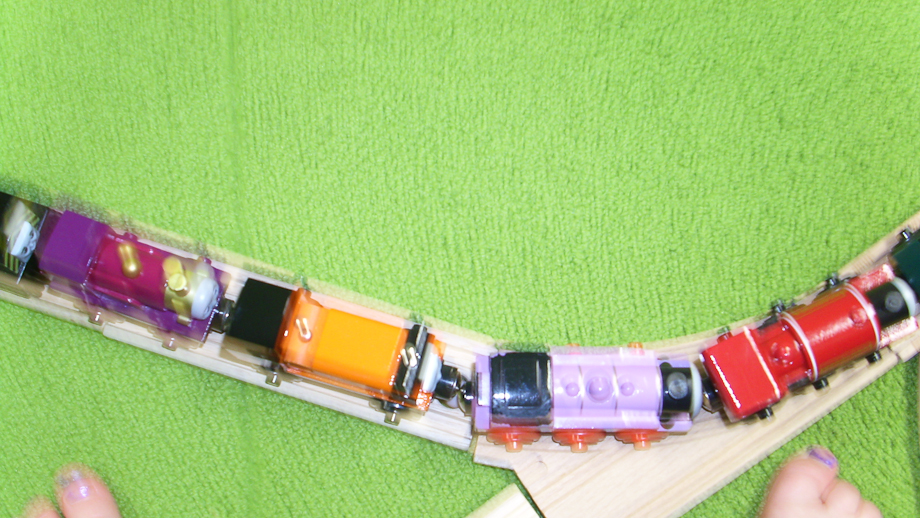 Totally random photo from Tuesday’s “new” digital camera.
recent posts
archives
2 page layouts 8.5×11 layouts 12×12 layouts Alaska birthday birthday party brads canning Carmen Chloe crew girls dining room DIY elimination communication fair fall food front yard hair Halloween iPhone misting Montessori newborn nighttime night time oregon oregon coast oregon state fair organization painting painting with kids party portland punches ribbon salem Sciarrino scrapbooking sewing on scrapbooking Silhouette sleep toddler Tuesday tulips