Sarah and I had another fun craft day together last weekend. I was going for super simple on my layouts, since we usually talk more than we scrap. 🙂
The name was cut with the Silhoutte, it’s only in two pieces. I found that welding (over lapping the letters) is really easy to do, and it makes it so easy to stick the cut outs down. That little heart was crocheted by Sarah’s mom, she also made me this:
So sweet. I may have to give crochet another shot…
Title is from the Silhoutte again (why yes, I will be a walking ad for one now). I love that you can pick any font to cut. I’m trying not to get all addictive in the font downloading arena. But if you’re rocking an Apple computer don’t forget to utilize your font book to organize them. You can see all the characters before you use the font, it’s great!
Yes, I used my Silhoutte (and a download from their store), but I also used one of my oldest scrpbooking products. Any guesses? It’s from 1994 yo. Think about that…
Gold embossing powder. That I bought at the fair! I’ll be honest and say this might be the first time I used it. It was part of a set and I’m not the biggest gold fan.
I present the world’s longest title! I wanted to utilize this hexagon punch Sarah was borrowing from a coworker.
I love this punch. See I still have room in my heart for a punch or two (or a couple dozen).
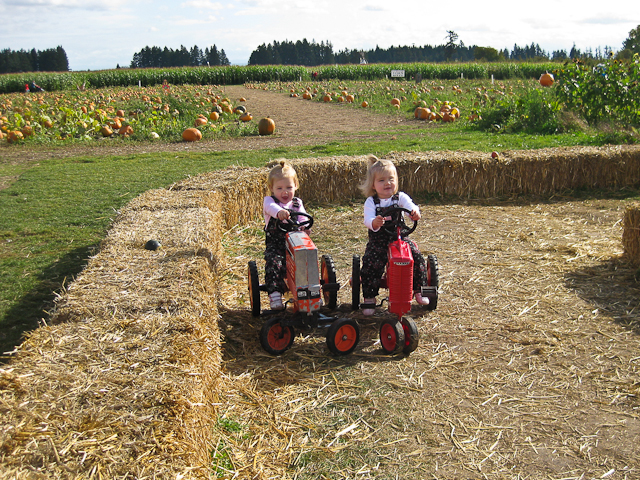
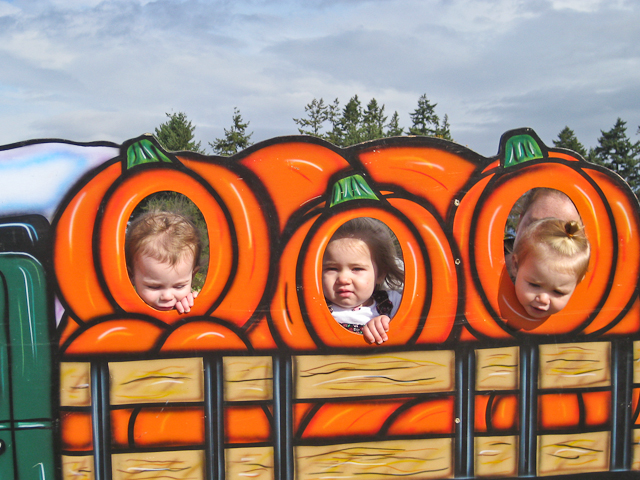
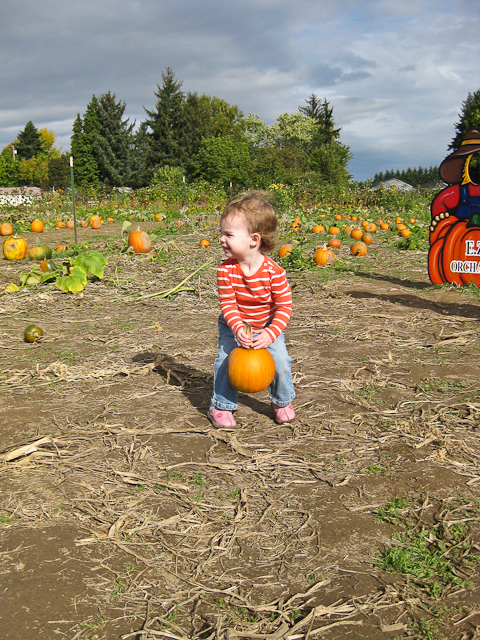
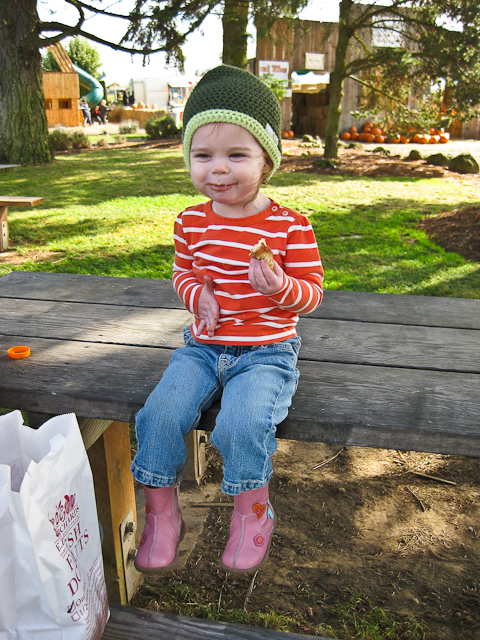
This next one is pretty simple, and I wouldn’t normally share this type, but man oh man I love these pictures.
I swear you can almost hear the laughing!
I love scrapbooking “out of order” I scrapbook Library of Memories style, so I was cleaning out my 2006 binder and wanted to get some of these memories recorded before I tossed/filed/archived the remaining photos. I still might have a few layouts to do from that year.
How do you scrapbook? The only thing I’m not crazy about with this system are little details that sometimes get forgetten. I go back to the blog often, but I think I need to keep a tiny notebook or something with me. If you don’t scrapbook a photo for a few years what do you do?
-

Celebrating crafts, kids and the everyday through photographs.
-

Celebrating crafts, kids and the everyday through photographs.
This is a crazy weird fall. Lots of sun (say what?!?!). It’s caused my yard to be beautiful and amazing.
I can’t believe how much of it is still green! The leaves are going to be dropping very late this year.
My little munchkin and I still find lots to nibble on. My poor confused tomatoes, look at them flowering! Don’t worry mom I cut them all back yesterday so hopefully I’ll get a few more to ripen up.
Speaking of flowering so many things are continuing to bloom! I am so glad. Not sure if it’s my diligent pruning or the weird weather, but I love all the blossoms.
Things are filling out in the rock wall.
Climbing roses are starting to climb. But I need to do a little research on how to care for my precious roses going into winter. The hazelnut shells are to try and keep cats out of my yard.
My front yard roses, still afflicted by their fungus, but the blooms are pretty. I planted 100 tulip bulbs in front of that little fence last weekend. I still have a 100 crocus bulbs to plant, maybe today?
Love this little patch in front of our picture window.
I thought we lost this clematis and cut it down to nothing in the strong heat of summer (for those few days :). But look it came back and it even has blossoms.
Another happy flower picture. I think my plants are in for a shock though, rain is coming tomorrow and I don’t think it’s going to stop for a good long time. What does your garden look like right now?
*I tried to post this earlier this week but was having trouble uploading photos, sorry I’ve been so silent! I’ve been up to lots, hopefully will update a few more times in the next couple days. -

Celebrating crafts, kids and the everyday through photographs.
Oh Best scrapbooking (and lots more) tool ever! I’m going to give you a little review, based on my whole three days of ownership 🙂
I am in love with my new Silhouette SD! I took it to my in-laws this weekend and played around with the software (which is brand new and works with a Mac!) on the way up. I did what I never do and read the manual (it’s in the software, not a hard copy, at least not the full thing). On the drive I figured out how to group objects, scale things and generally have fun. It reminds me of photoshop, with all the commands. So if you are familiar with that I would say this would be a breeze to use. The software actually does not “come with” the machine. A disc was included, but it was the older software, and I had already downloaded the new software free of charge from their site. If you are thinking about getting this machine I highly recommend you download the software and play with it. With in the software you can read the manual and see the online store (where you can buy shapes to cut (or print/cut, among other things).
I had no problem making up a simple text welded object like this. It’s just a whole bunch of o’s combined (idea from an awesome Kelly Purkey layout). In addition to the great built in manual there is a wonderful supportive Yahoo Group that you can join. I still have a lot of things to figure out, but so far so good. If you are using this to just cut fonts or shapes downloaded from the store don’t worry about using difficult software, that part is easy. Fonts are simple, and it will cut any True Type Font (including the Wingding type that have fun shapes). The only time you really need to spend some time studying is if you want to create shapes yourself. There is a feature called auto trace that is going to be released next month (it’s already on the old software, but I can’t download that because it’s PC only). From what I understand this allows you to pull a JPEG or other image into the software and then traces around it for you.
Somethings I have NOT tried: the print and cut feature. I don’t see myself using this much, though there are some cute designs. Basically you print your design and little registration marks are printed with it. An optical eye in the machine reads those and cuts based on those and your design parameters. I have not tried downloading digital die cuts from other sites, like 2peas. I know you can, but I’m not sure about the file extensions. I will try this, just haven’t yet. I have both vinyl and tee-shirt transfers on order, plus the heavy duty blade housing (I ordered this before I got my machine, but I have had no trouble cutting cardstock with the included blade set up). I haven’t tried to make anything too fancy. Really I see myself using this a lot for text and titles. I’ll show you.
These letters were cut from scrapbooking paper and then I fed them through a Xyron (this one), which made them into stickers.
From my vintage Ki Stash 🙂 The other thing I cut for this layout are the circles:
I pulled apart a design I downloaded from the store and just used little bits of glue to hold it down.
The mat that you put the paper on to go through the machine is sticky, so you can just pull of the things you want.
Ok now for the things I don’t like part. I think the software has a few kinks that are getting worked out. They seem to be working them out fast. I check for updates daily and I think I’ve already updated twice. The new software has a proprietary file extension. This might not bug you, but it basically means that you can’t back up the files yourself (at least not the things you buy on the online Silhouette store). They are stored with your user profile and if you have a computer crash you can re-download them—but there is a limit. I HATE this. I want to use Bj’s laptop sometimes and my computer sometimes, and I haven’t figured out how to do that without using two of my three chances for downloads. I don’t think their cutting mats are all that great. But I have a couple of Cricut mats that, from what I hear, are easy to cut down to size for the Silhouette. The Silhouette only cuts 8.5″ wide, but up to 39″ long (yes really!). I actually don’t find this to be a problem, I mention it for those of you who might want to do full 12×12 background images. Personally I like the smaller size of the machine. It is 16″ wide, 5.5″ deep, 4.5″ tall and only 4.5 pounds—the slice is not much smaller, the Cricut I was using is much bigger.
Now the best part. I will not ever buy a cartridge for this thing! That is huge. After using my stepmom’s machine (a Cricut) I had some major dislikes and the cartridges were among them. There are cute designs and fonts but I can see myself buying cartridge after cartridge for one design or two. The designs from the Silhouette Store do cost money (generally 99 cents—and you can get them free from some places online) but you can get a subscription plan so that they work out to be as little as 14 cents. The designs cut much crisper on the Silhouette. I cut the same font from the Cricut (using third party software that is about $70 you can also cut things from your computer, but not designs from the Silhouette store) and the Silhouette and I should do a side by side. The edges of the letters are a lot crisper and the circles more round on the Silhouette (the Cricut had wobbly edges on some designs). Overall the whole machine is much less money than the Cricut. I got it on sale on Overstock.com with free shipping (bonus, sign up for their mailing list and get an additional 10% off). So I only spent $175 on it (haha only, still a spendy tool, I know).
I think this is one of the wordiest entries in a while, any questions?
recent posts
archives
2 page layouts 8.5×11 layouts 12×12 layouts Alaska birthday birthday party brads canning Carmen Chloe crew girls dining room DIY elimination communication fair fall food front yard hair Halloween iPhone misting Montessori newborn nighttime night time oregon oregon coast oregon state fair organization painting painting with kids party portland punches ribbon salem Sciarrino scrapbooking sewing on scrapbooking Silhouette sleep toddler Tuesday tulips